Switching to Paper Design made me rethink my go-to design tools, but Figma still brings those needs together and ticks all the boxes.
I wanted to give Paper enough time to become part of my working day. Using it on a product would help me understand how it felt as the work developed.
Paper caught my attention because I liked the idea of designing directly with HTML and CSS. It felt like a step closer to what developers would build for the web. The MCP support made me want to try it even more: I could bring an AI agent into the process, get help with layouts, and refine the details myself.
Once I started creating screens, building design suystem elements and buidling dashboards, the pace and tool encouraged me to make more room for Paper in my regular work. I wanted to see how it handled the small changes and repeated decisions that come with building a product.
To give that a fair try, I began with the foundations I would need across the screens.
Building my first design system in Paper
I started with the design system, working through the typography, colors, visual hierarchy, and button styles before moving into screens. With Paper MCP and Mobbin MCP connected to Claude, I could describe the direction I wanted and develop those elements with the agent as I worked.
Seeing the elements together helped me judge how well they worked as a system. I could ask Claude to add or revise something, then adjust the details myself, paying attention to how the type, colors, and buttons related to one another.
That preparation paid off when I moved into the iOS navigation bar and dashboard home screens. I already had styles and elements to work with, so I could build faster and spend more time organizing the information and considering how people would move through the product.
It also left me with more attention for the decisions the system could not make for me.
Exploring freedom to experiment before committing to production
Having those foundations ready gave me more room to think about the decisions that were still open. The visual direction was taking shape, but I still needed to work out what each screen should prioritize.
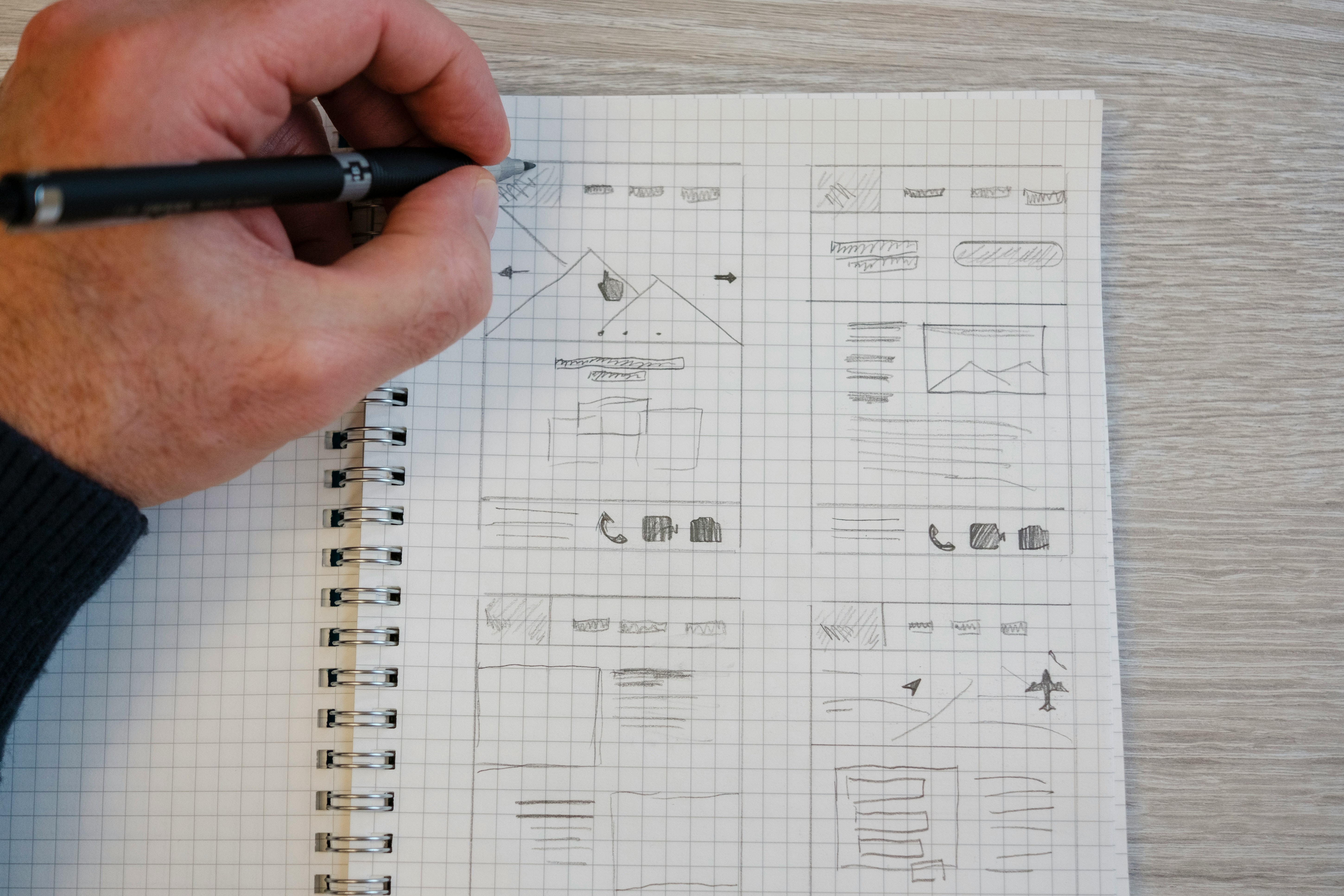
With a dashboard, I’m deciding which information deserves attention, what someone should do first, and how the navigation supports that. I like keeping a few layouts beside each other so I can compare those choices. Moving a card or changing the emphasis of a heading can reveal a better direction.
Figma feels comfortable for this kind of exploration. I can leave an idea unfinished, try another approach, and return to the first with a clearer understanding of what needs to change. I know the tool well enough to keep my attention on the design.
Keeping those alternatives visible also makes conversations with a PM or developer more useful. We can point to a specific layout, discuss what it prioritizes, and understand what we would give up by choosing another direction.
I value that room to change my mind. I want to make progress while staying open to feedback and ideas I hadn’t considered. That also shapes how I want to work with an agent.
Bringing what I learned from paper back into Figma.
Working with Claude through Paper MCP gave me something concrete to respond to early in the process. I could describe a direction, see a first version on the canvas, and decide what deserved another pass.
Figma’s MCP support matters to me for the same reason. It brings similar possibilities into a workspace I already know well. I can ask an agent to help create or adjust a layout, then continue working directly with the editable design.
That back-and-forth suits me. Some changes are easier to explain in a prompt; others become clearer when I move an element myself. I like choosing the approach that helps me work through the decision.
The Figma Make community gives me another starting point. Exploring and remixing a working example can help me understand an interaction or make an idea tangible enough to discuss. Plugins support smaller tasks along the way, giving me more options when a particular part of the work needs attention.
I could bring what I was learning in Paper into my Figma workflow. That made it easier to consider where the rest of the product work fitted best, including the work beyond the interface.
Why I returned to Figma
My decision came down to what happened after those first screens. As the product developed, I needed to move between refining the interface, exploring visual ideas, and discussing what should happen next.
A product screen might need an illustration to explain a feature, a marketing asset to introduce it, or motion to show how an interaction works. Figma feels comfortable across that range. I can develop those pieces while keeping their relationship to the product in view.
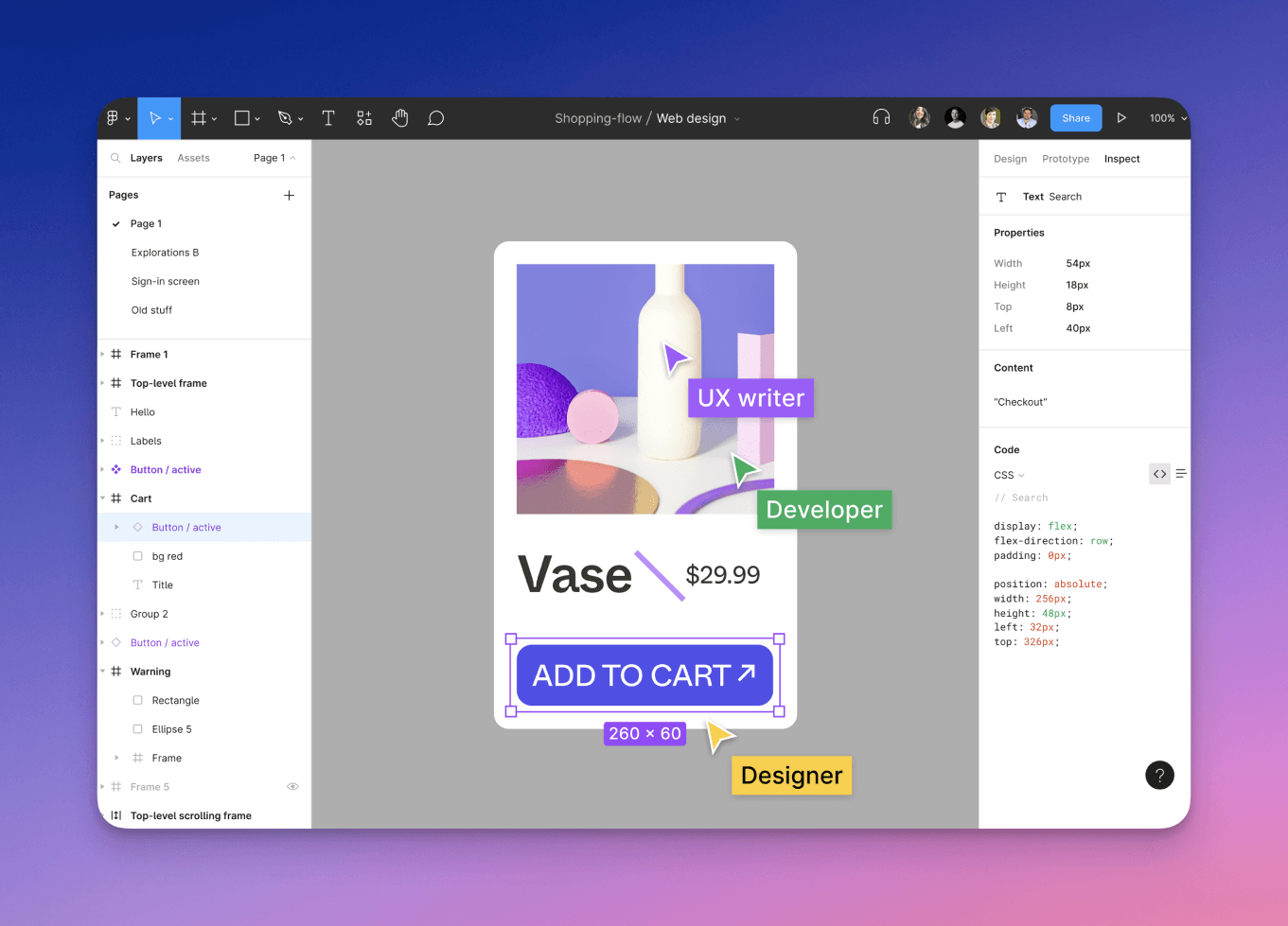
The people involved matter, too. A researcher brings context, a PM helps resolve priorities, and a developer needs to understand the intended behavior. I want their contributions to remain part of the design as it develops, and Figma makes that feel straightforward to me.
I could also keep the approach I had enjoyed in Paper: working with an agent, reviewing the result, and refining it directly. Having that alongside the tools and resources I already used made the return feel practical.
So I made Figma my primary tool again. Paper had given me a useful way to explore and build, and I wanted to keep using it while finding where it fitted into the wider process.
A workspace where other people can contribute and work together
As the work expanded, I needed other people to follow the decisions taking shape on the canvas. I wanted them to be able to contribute while there was still room to change the design.
A researcher can connect a finding to the part of a flow it affects. A developer can question how a behavior will work. A PM can help establish which need matters most and what belongs in the next version. Designers, illustrators, and visual designers can develop the work while keeping those questions in view.
As the product grew, the combination of creative range and collaboration brought more of my work back into Figma.
Three weeks back in Figma
After nearly three weeks back in Figma, I’m happy with the decision. I can open an unfinished file, pick up where I left off, and concentrate on the next part of the product. It feels good to spend more of my attention on the work itself.
That work is expanding. I’m developing screens, refining components, and exploring visual directions while considering how they fit together. As I add more to the product, I can revisit earlier decisions, reuse something that works, or share an alternative while it is still easy to change.
I also like being able to discuss the work while the team is looking at it. Feedback becomes easier to act on when we can examine the same layout and talk through its hierarchy, interactions, or place in the next version.
Paper is still part of my week. I enjoy brainstorming there, working with Paper MCP, and experimenting with visual ideas through HTML and CSS. Moving between the two gives me different ways to approach a problem, and I carry what I learn into the layouts and visual work I develop in Figma.
For now, it feels too early to move my whole workflow into Paper. I’m still learning from it, and I want to keep giving unfamiliar tools enough time to challenge my habits. As the product grows, I’ll keep adjusting how I work, even when that means rethinking a choice I’m happy with today.



.jpeg)
